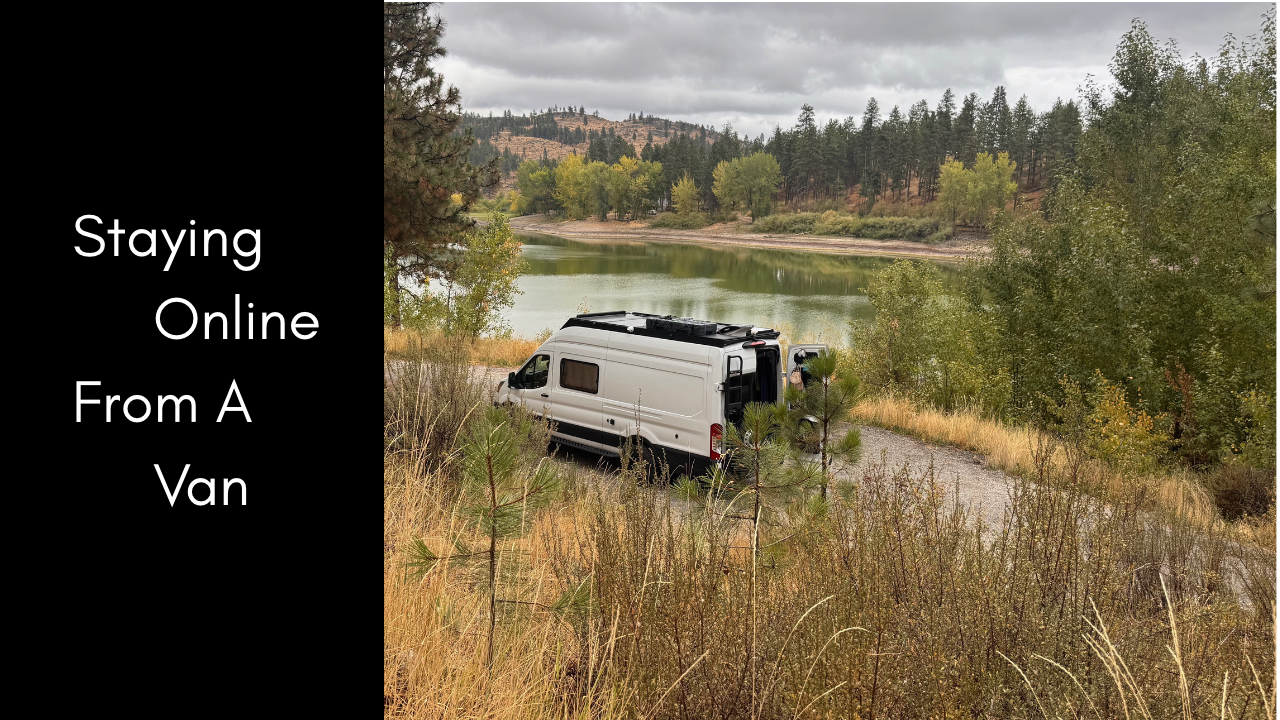
Staying Online In A Van

Staying Online From a Van: How We Keep Remote Work Running When the Signal Doesn’t

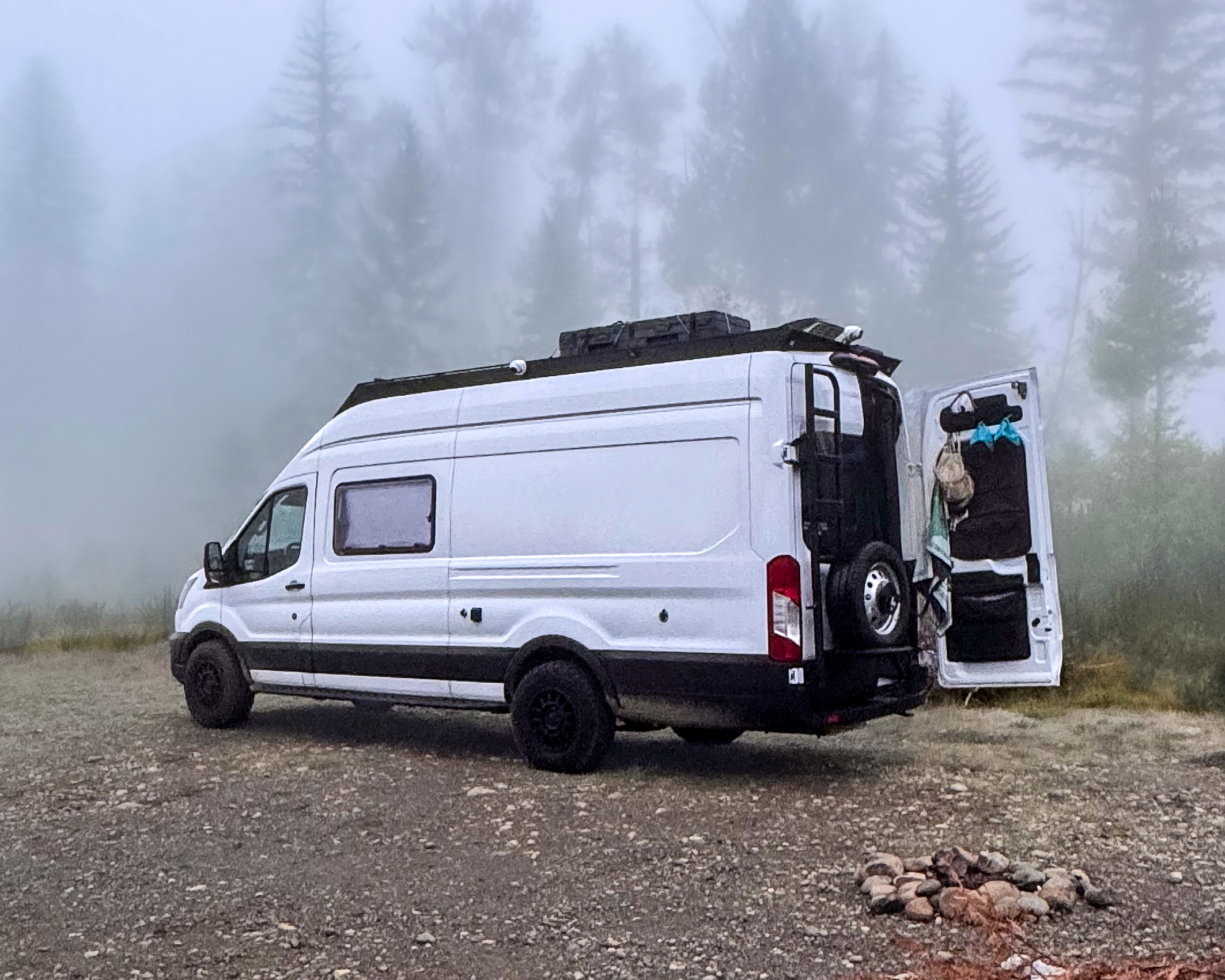
We both work 9-to-5 office jobs in advertising, remotely, from a van. Monday to Friday, 9am to 5pm Eastern, we’re usually working from inside it, wherever we’ve parked that week. Here’s what keeps that running. Starlink is our main connection. When Starlink can’t connect, we switch to the hotspot on a phone. Behind that sits a mobile data plan as another backup.

The gear is the easy part. Most of the plan happens before the workday starts, when we choose where to park.

What a remote workday asks of our connection

Our jobs keep normal office hours, so our connection has to keep them too: online from 9 to 5 Eastern, five days a week. A dropped connection on a Tuesday morning is a work problem, so we can’t leave it to chance. That’s why we treat connection as part of choosing a campsite, not something we sort out after we arrive.

Choosing where to park comes first

Our jobs keep normal office hours, so our connection has to keep them too: online from 9 to 5 Eastern, five days a week. A dropped connection on a Tuesday morning is a work problem, so we can’t leave it to chance. That’s why we treat connection as part of choosing a campsite, not something we sort out after we arrive.Starlink needs a clear view of the sky to find its satellites, as Bearfoot Theory’s guide to van life internet explains. So the first thing we look for in a campsite is an opening above the van.

We find those openings with two tools. iOverlander is a map of campgrounds and places to stay, added by other travelers. Satellite view shows us whether a spot sits in the open or under trees before we drive there.

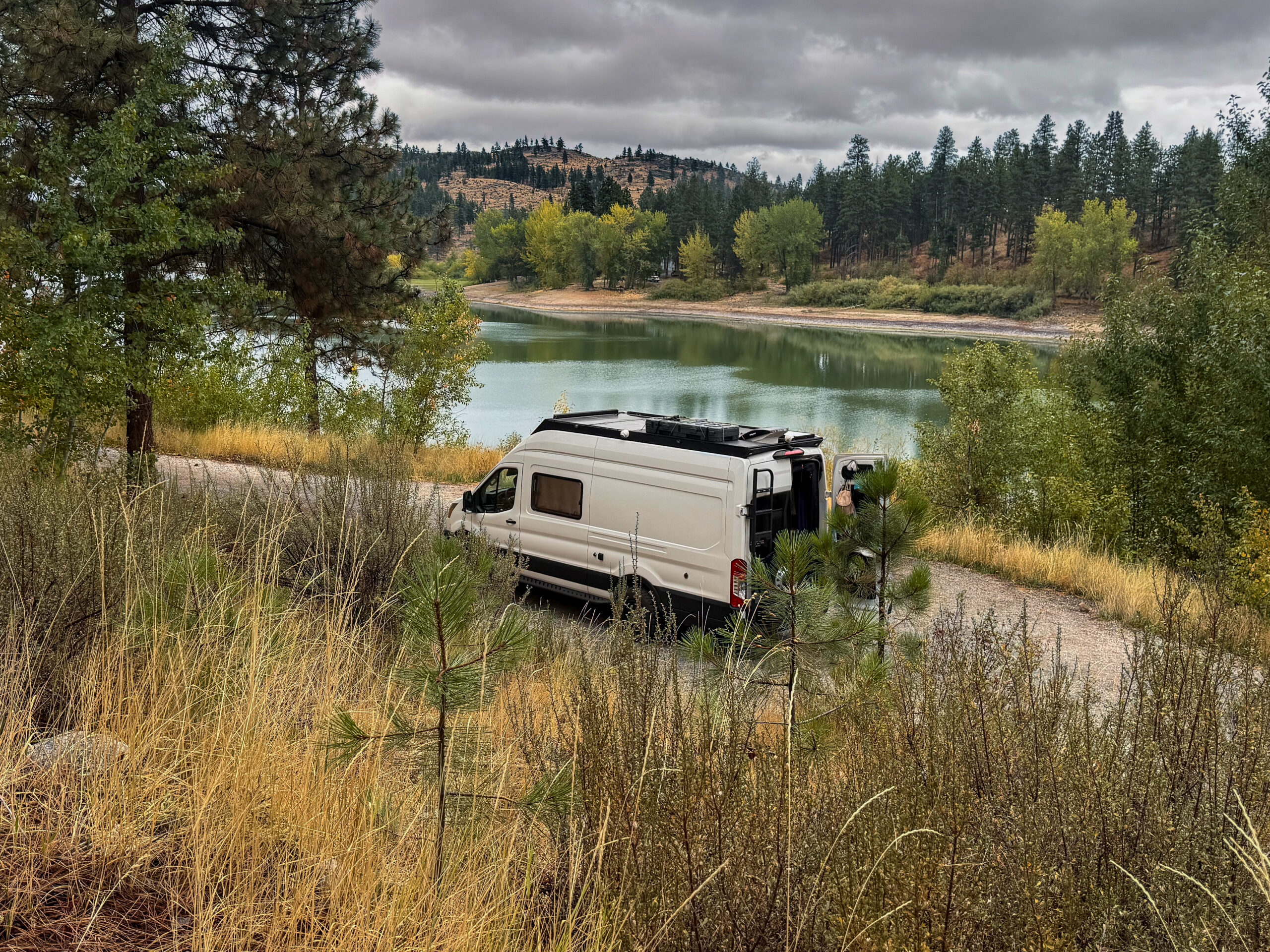
Before a workday we also look for a road with several sites, each with a clear opening for Starlink. If the first spot is taken or doesn’t work, there’s another one a little further down.

Tree cover is the one thing that gets in the way

In our experience, staying out of tree cover is the main thing. Outside of that, we haven’t had issues with Starlink.

Bearfoot Theory’s guide says the same: it notes that Starlink can’t be used in tree-covered areas and doesn’t work if you’re surrounded by a lot of trees. So a shady forest campsite that’s perfect for a weekend can be a poor one for a workday.

Our backups: a phone hotspot, then a mobile data plan

When Starlink can’t connect, we use the hotspot on a phone. Behind that, we keep a mobile data plan as another backup.

If you plan to rely on a phone hotspot, read your plan’s fine print before your first workday on the road. Bearfoot Theory points out that hotspot speeds can be throttled after a certain amount of data use, depending on your carrier, and that some plans only let you connect one device to a phone hotspot at a time.

A short checklist before your first workweek on the road

If you’re planning to keep an office job running from a van, this is the order we’d do it in:

  • Check for open sky before you settle. Use satellite view and iOverlander to find spots with an opening above them.
  • Pick a road with several sites, so you have somewhere else to try.
  • Keep out from under the trees if you depend on Starlink.
  • Know your hotspot’s limits. Check your phone plan for hotspot data and device limits.
  • Have a backup behind your backup, so one dropped connection doesn’t end your workday.

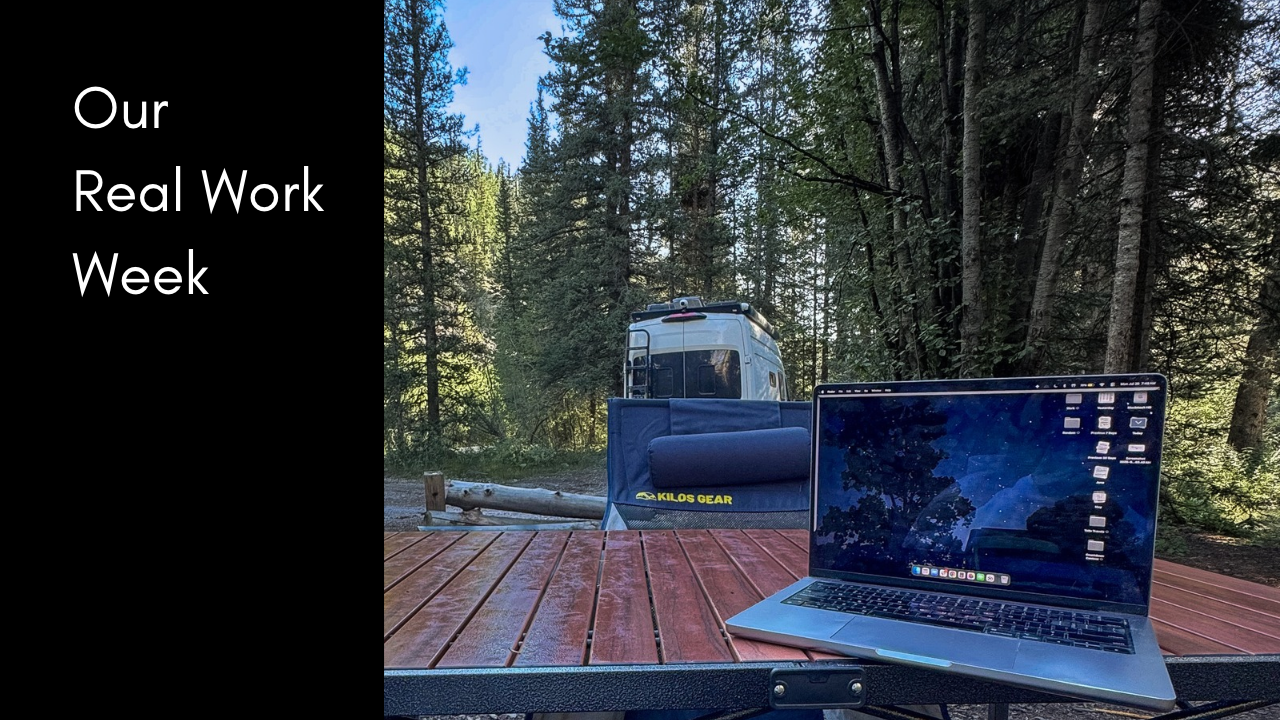
Connection is only one part of how our week fits together. For the rest, the workdays, the travel days and how we pick each week’s campsite, read Our Real Work Week article.

Leave a Reply

Your email address will not be published. Required fields are marked *

This site uses Akismet to reduce spam. Learn how your comment data is processed.

Work With Us